
The build
Structure, design, development and testing: check what the setup covers.
To compare website costs, look at the work included. Writing, photography, languages and integrations can take more effort than the pages themselves.
Gatineau · Outaouais · Canada & France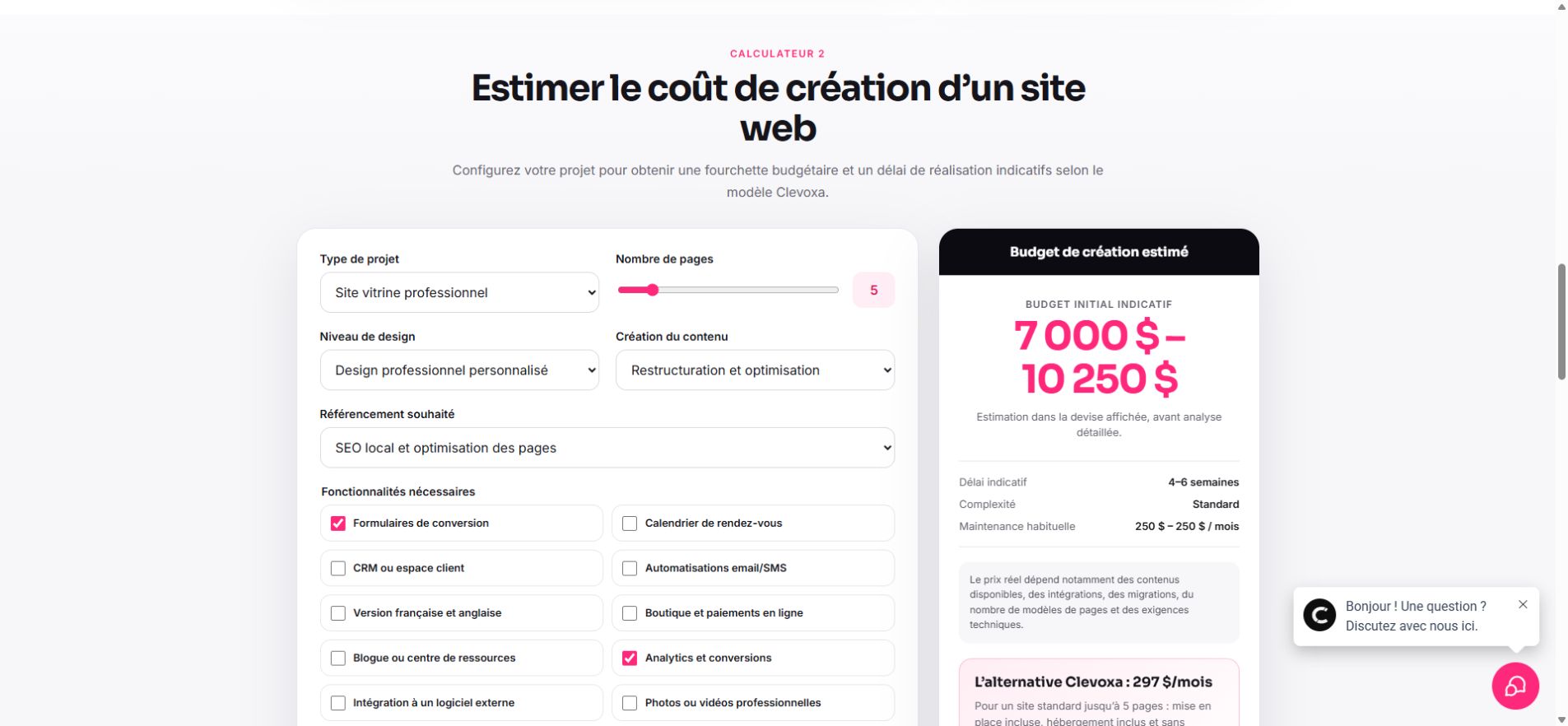
Structure, design, development and testing: check what the setup covers.
Who writes, translates and supplies images? These are work items, not small details.
Domain, hosting, maintenance and software: compare the costs after launch too.
The Clevoxa calculator lets you change site type, design, content and features. Use it to understand what moves the estimate, then request a quote for the options you actually need.
Bring your questions. These decisions shape the work and the budget.
A service website explains your offer and supports enquiries. An online store adds products, payments and shipping rules. CRM connections and customer portals require additional integration and testing. Start with the actions visitors should take, then identify the pages and tools needed.
Check whether setup includes content, design, development, mobile layouts, SEO basics and testing. List domain, hosting, maintenance, software, content updates and marketing support separately. Compare subscriptions and upfront purchases over the same period and review their terms.
The Clevoxa calculator uses an indicative replacement-cost model based on site type, pages, design, content and features. It is not a statistical market-price survey or a binding offer. A personalized proposal confirms scope, currency, taxes and payment terms.
Writing, translation, photography, product catalogues, migrations and software integrations may require more work than page count alone suggests. Approved content and clear scope reduce revisions. A focused first phase can be more useful than features without a defined purpose.
No. It provides an indicative range from a model. Your personalized proposal sets the applicable price.
Technical basics may be included at launch. Ongoing content, performance monitoring and visibility work require a separate scope.
No. Content recovery, data migration and preserving URLs can require substantial work. The existing website needs to be reviewed.
A current site, an idea or a problem to solve: that is enough to start the conversation.