
This guide covers your Clevoxa subscription. Invoices you issue to your customers in Payments are separate. For your subscription, start with the billing email or request documents from Clevoxa.
In your workspace
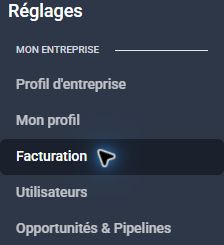
Billing email → invoice or secure link → verification
Follow this guide with interactive screenshots
Before you start
- Have the invoice reference, period and billing address ready.
- Check whether a payment confirmation has already arrived.
Check the result
Check the result in your workspace. The guide does not perform these actions for you.
Search for the billing email at the address used for your subscription. Check spam, then the business name, period, amount and currency. If the document is missing, request a copy from Clevoxa.
Compare the invoice reference, any receipt and your statement. A failure notice does not establish that a later attempt also failed. If already paid, give Clevoxa the reference before paying again.
Reply to the billing email or contact Clevoxa for the secure payment or payment-method update link. Follow that link and keep the confirmation. Do not send your full card number by email.
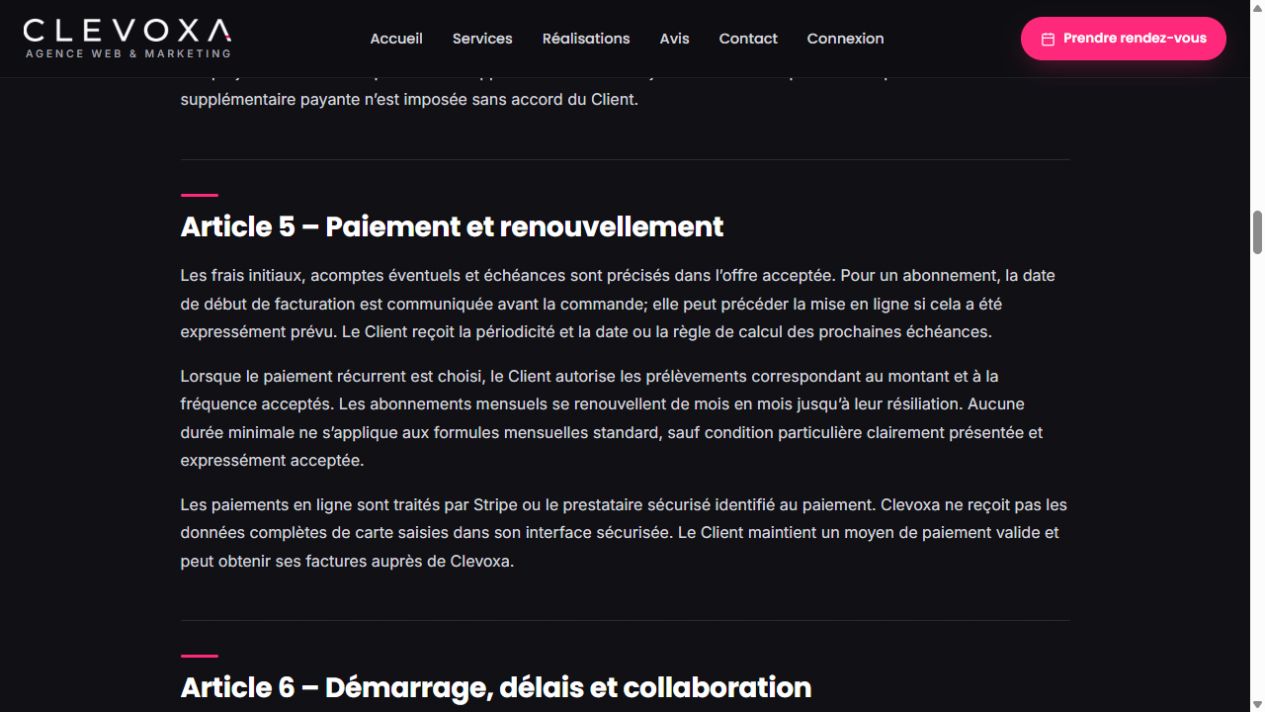
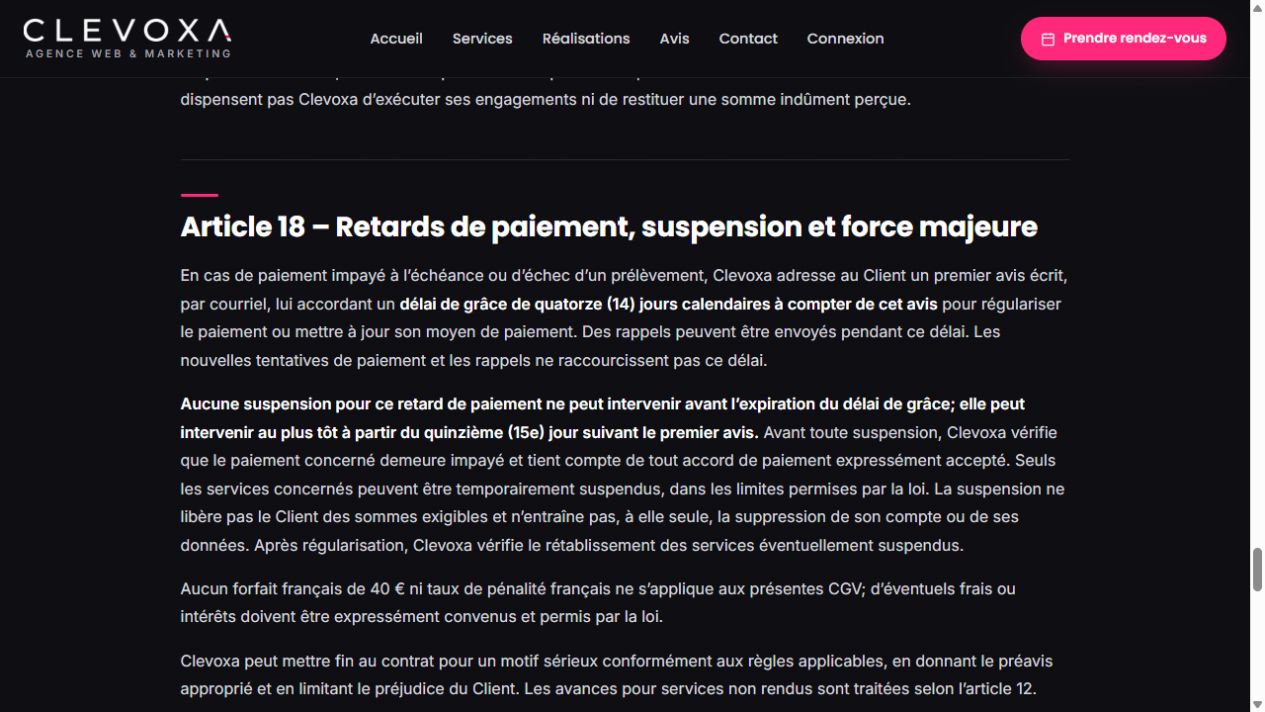
The terms provide 14 calendar days from the first written email notice to resolve payment. Reminders do not shorten this period. After it expires, affected services may be suspended after checking the unpaid amount and any accepted arrangement. Suspension alone does not delete the data.
Frequently asked questions
Where can I download my invoice?
Use the attachment or link in your billing email when provided. Otherwise request a copy from contact@clevoxa.com.
Do the 14 days start on the due date?
The period described in the terms starts with the first written email notice. Ask Clevoxa to confirm the exact date if you have several messages.
I already paid or dispute the amount.
Reply to the notice with the reference and your situation for review. Do not make repeated payments.
My service remains suspended after payment.
Send the confirmation to Clevoxa so payment and service restoration can be checked.
How do I change the billing recipient?
Ask Clevoxa to update it, providing the business and new billing address.
Do these rules cover invoices issued to my customers?
No. The grace period shown here concerns your Clevoxa subscription. Billing terms for your own customers belong to your business.
An example to adapt
I receive a failure notice. I check the invoice and any recent payment, then request the secure link and keep the confirmation.
If it does not work
Use the guided troubleshooter or prepare a support request from the current step.
Keep the right distinction
Invoice
The document states the period and billed amount.
Payment
Payment confirmation is checked separately.
Grace period
14 calendar days from the first written notice.
Your next action
- The terms provide 14 calendar days from the first written email notice to resolve payment. Reminders do not shorten this period. After it expires, affected services may be suspended after checking the unpaid amount and any accepted arrangement. Suspension alone does not delete the data.
Get help with your situation
Use “Help with this step” to prepare an email including the guide and step. Add the details of your issue before sending.
Checkboxes are saved only in this browser. They do not perform any action in your CRM.
Open my workspace