
Find definitions by topic. Help search also finds terms in this glossary. Examples explain how they apply to everyday work.
In your workspace
Customers → Tracking → Automation → Communications
Follow this guide with interactive screenshots
Before you start
- Choose the topic for your term or use the search at the top of the page.
Check the result
Check the result in your workspace. The guide does not perform these actions for you.
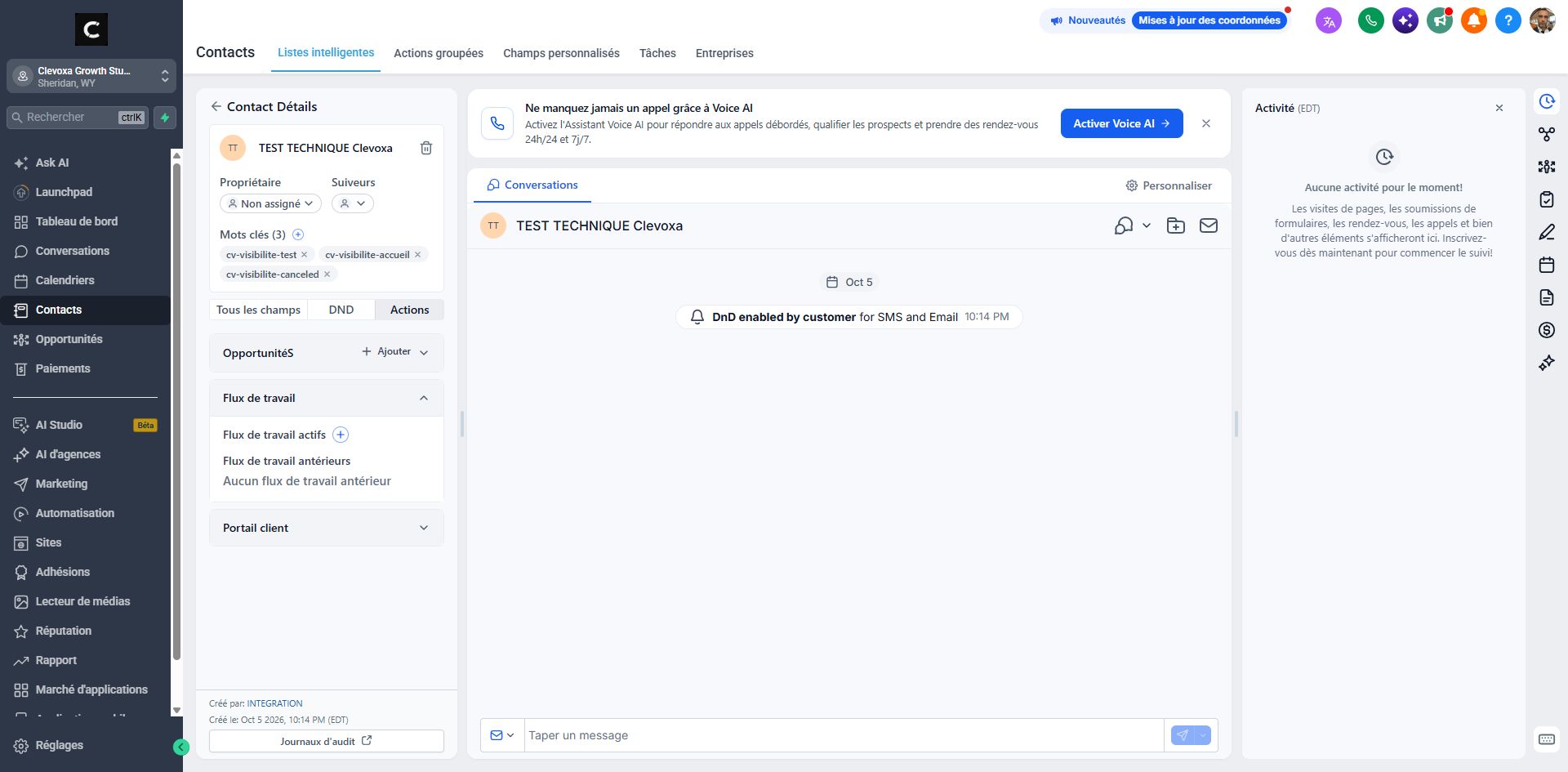
Contact: a person’s record. Conversation: history of exchanges. Tag: a label added to a record; some tags trigger an action, such as avis-google. Internal note: information intended for the team.
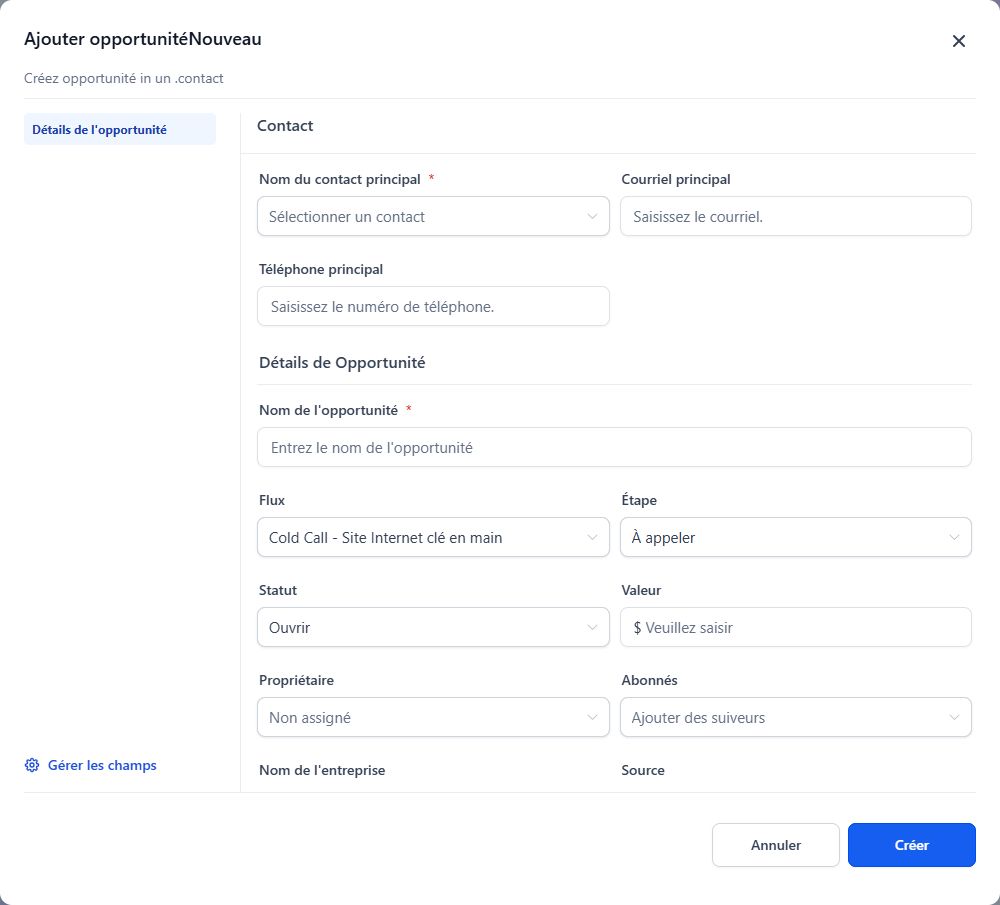
Opportunity: a sales project linked to a contact. Pipeline: the stages of your process. Stage: the record’s current position. Status: the record’s state or outcome. Owner: the person responsible for follow-up.
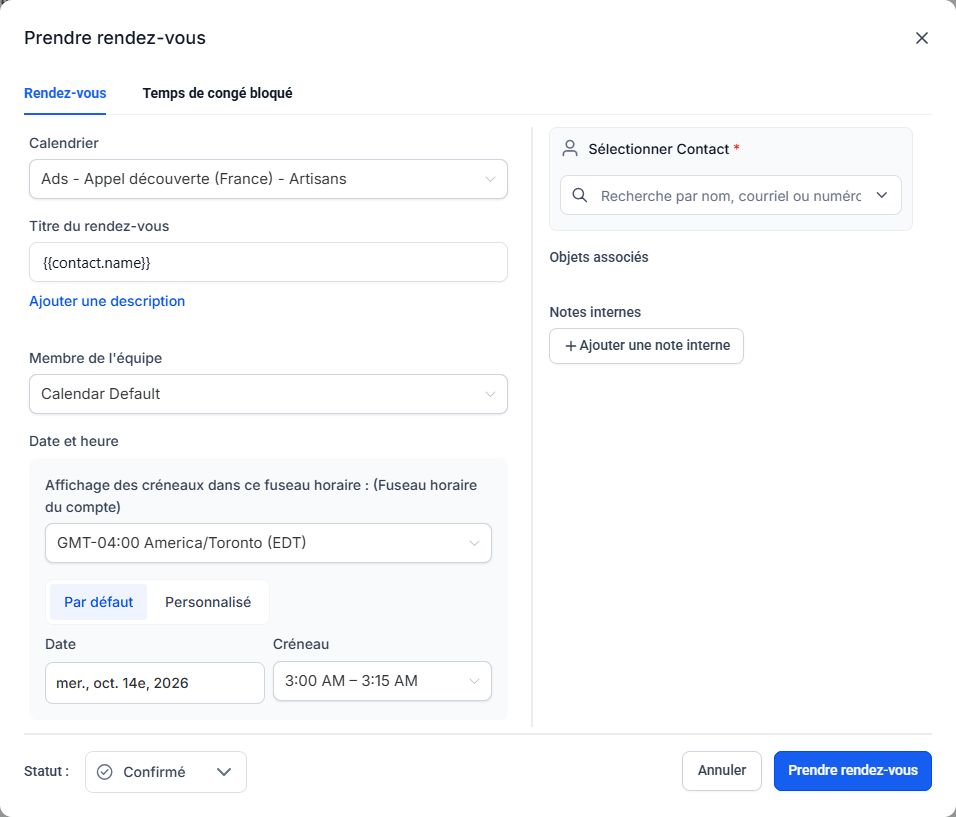
Calendar: schedule for a service or team. Slot: a bookable period. Availability: intervals in which bookings may be offered. Time zone: the reference used to display times. Task: an internal action with an owner and due date.
Automation (Workflow): a configured sequence of actions. Trigger: the event that starts it. Condition: a rule determining what happens next. Delay: a wait before an action. Channel: email, SMS or another connected method. DND: communication restriction. Sent, delivered and read are different indications.
Frequently asked questions
Are tags and automations the same?
No. A tag is a label; an automation is the workflow that may be triggered by adding it.
Is an opportunity an invoice?
No. An opportunity tracks a sales project. An invoice is a billing document, and payment is separate information.
Is a task an appointment?
No. A task tracks an internal action; an appointment reserves a calendar slot.
Does sent mean received?
No. Check available delivery information and errors. Delivery is not proof of reading either.
An example to adapt
I add the avis-google tag to Alex’s contact: that event triggers the review-request automation.
If it does not work
Use the guided troubleshooter or prepare a support request from the current step.
Keep the right distinction
The person
The contact brings together details and history.
The work
Tasks, opportunities and appointments serve different purposes.
The workflow
A trigger may start a sequence of automated actions.
Your next action
- Automation (Workflow): a configured sequence of actions. Trigger: the event that starts it. Condition: a rule determining what happens next. Delay: a wait before an action. Channel: email, SMS or another connected method. DND: communication restriction. Sent, delivered and read are different indications.
Get help with your situation
Use “Help with this step” to prepare an email including the guide and step. Add the details of your issue before sending.
Checkboxes are saved only in this browser. They do not perform any action in your CRM.
Open my workspace